

Website Privacy Checker in 2026: 7 Runtime Tests Beyond the Cookie Scan
A useful guide to website privacy checker should help readers understand both the rule and the behavior behind the rule. That is where consent topics become genuinely practical instead of sounding like recycled compliance copy.
The linked DataShyre articles cover the nearby topics, while this explainer should stay focused on plain-English direction for publishers, operators, and marketers.
That broader review is exactly where a useful website privacy checker earns its place. The European Commission still says valid consent must be tied to a specific purpose, requested in “clear and plain language,” and given through an affirmative act that people can refuse or withdraw without disadvantage. The ICO’s storage-and-access-technologies guidance was finalized on April 29, 2026 and explicitly covers cookies, tracking pixels, device fingerprinting, web storage, and scripts or tags. In California, the Attorney General’s CCPA page was updated on August 28, 2026 and still says consumers can opt out of sale or sharing, including through the Global Privacy Control. A privacy checker that ignores those runtime realities is only doing part of the job.
For adjacent context, start with these guides to cookie consent banner examples, GDPR compliant privacy notice, and California consumer privacy. This page stays focused on what a website privacy checker should help you test on a live site this week.
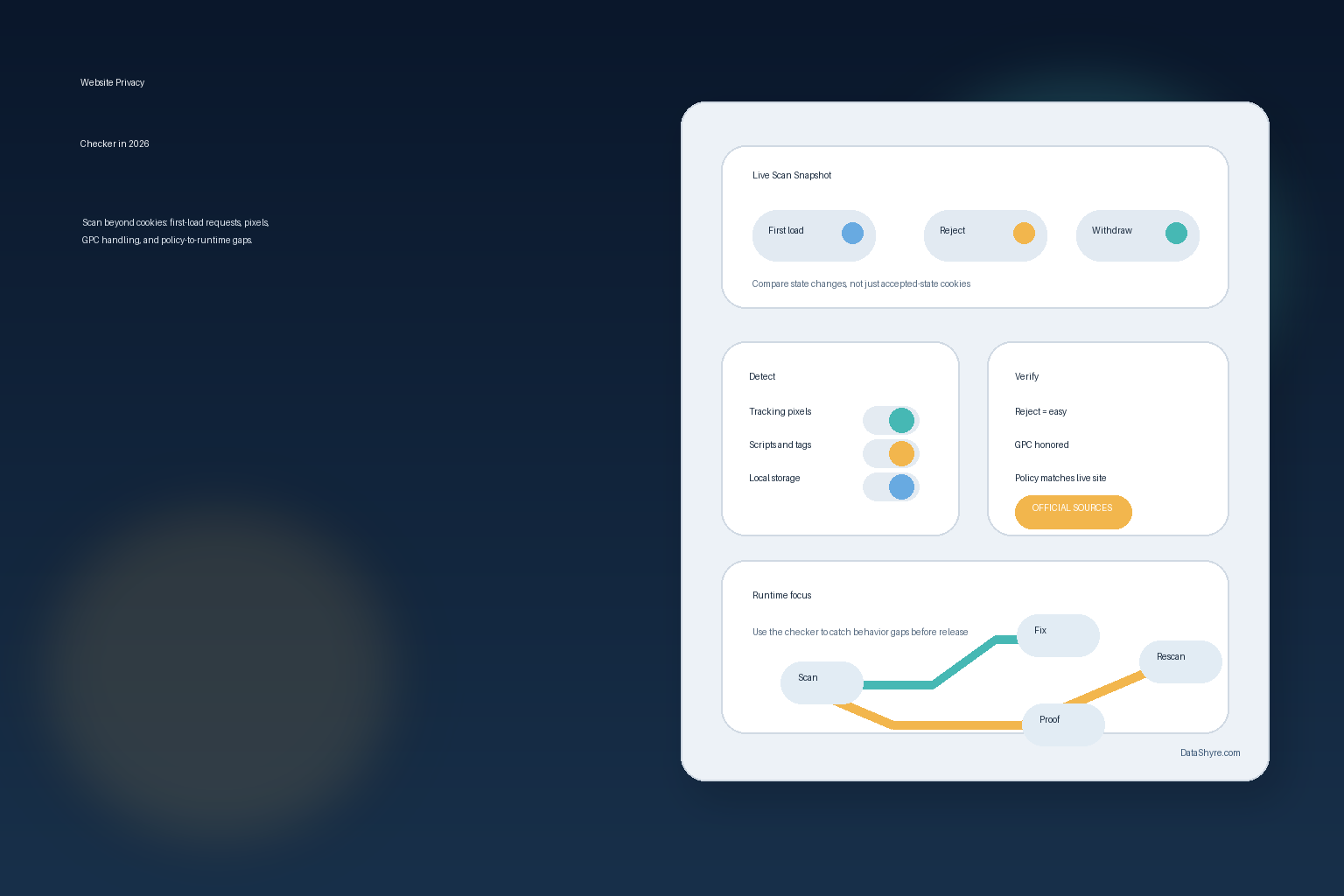
What a website privacy checker should actually prove
A useful website privacy checker should help you answer three questions:
- what technologies fire before a person makes a choice;
- what changes after rejection, acceptance, or withdrawal; and
- whether the live behavior still matches the disclosures and opt-out promises on the page.
That is a stricter standard than an ordinary scan report, but it is much closer to the way regulators and plaintiffs’ lawyers now think about runtime behavior.
1. Scan first-load behavior before any consent choice
The first test is still the most important.
The European Commission’s current guidance says consent must be specific and given through a clear affirmative action. That means a site cannot quietly treat page load as the yes.
So the first thing a website privacy checker should capture is the no-choice state:
- which requests fire immediately;
- which cookies or local-storage entries appear;
- which third-party hosts load before any click; and
- whether optional advertising or analytics tooling is already active.
If your checker only scans the accepted state, it is starting from the least useful state.
2. Compare reject, accept, and later withdrawal as separate states
Many teams test the banner once, click accept, and move on.
That is not enough in 2026. The Commission says people must be able to refuse or withdraw consent without disadvantage, and the ICO’s finalized 2026 guidance now includes dedicated sections on managing consent in practice, keeping records of preferences, and what happens when a user withdraws consent.
So a stronger website privacy checker compares at least four snapshots:
- first load with no choice;
- explicit reject all;
- explicit accept all; and
- a later withdrawal from the settings link or preference center.
The real value is not that each state exists. It is that the network and storage behavior changes in the way your banner promises.
3. Look beyond browser cookies
This is where older privacy scanning workflows often fail.
The ICO’s finalized storage-and-access-technologies guidance does not stop at classic cookies. Its current index explicitly covers tracking pixels, device fingerprinting, web storage, and scripts or tags. A serious website privacy checker should therefore show more than a cookie table.
At minimum, I would expect it to help surface:
- tracking pixels in emails or embedded pages;
- scripts that call ad-tech or analytics endpoints;
- local storage, session storage, or similar browser identifiers;
- fingerprinting-like behavior or device-linked identifiers where detectable; and
- tag-manager activity that changes across consent states.
If the tool only inventories document.cookie, it is a cookie checker, not a full privacy checker.
4. Test whether rejecting is as easy as accepting
This is both a design test and a runtime test.
CNIL’s December 12, 2024 formal notice says “rejecting cookies should be just as easy as accepting them.” It also lists patterns that can break this rule, including burying the reject option, styling it much less prominently, or repeating the accept option while the reject path appears only once.
That matters because a website privacy checker should help you evaluate not only whether a banner exists, but whether the banner’s choice architecture is defensible:
- is reject visible on desktop and mobile;
- does reject require more steps than accept;
- is reject de-emphasized by color, spacing, font, or placement; and
- do non-essential technologies still fire after a user rejects.
The fourth point is the one that exposes the real implementation quality.
5. Verify California opt-out and GPC behavior across account scope
This is one of the best reasons to run a website privacy checker as part of a release process instead of as a one-time audit.
The California Attorney General’s CCPA page says consumers may opt out of sale or sharing, including via a user-enabled Global Privacy Control. And on February 11, 2026, the Attorney General announced a $2.75 million Disney settlement that alleged Disney’s opt-out handling did not fully stop sale or sharing across all devices and services tied to a consumer’s account. The press release specifically says Disney limited GPC-based requests to the device in use, even when the consumer was logged in.
That makes the California branch of a website privacy checker much more concrete. It should help you ask:
- does a GPC-enabled visit change behavior where it should;
- does the opt-out propagate beyond a single page or device where the account model requires it;
- are privacy-choice links visible and usable;
- do embedded third-party tags still receive data after an opt-out; and
- does app or connected-device behavior match what the website claims.
The enforcement lesson is simple: privacy choices have to travel as far as the data does.
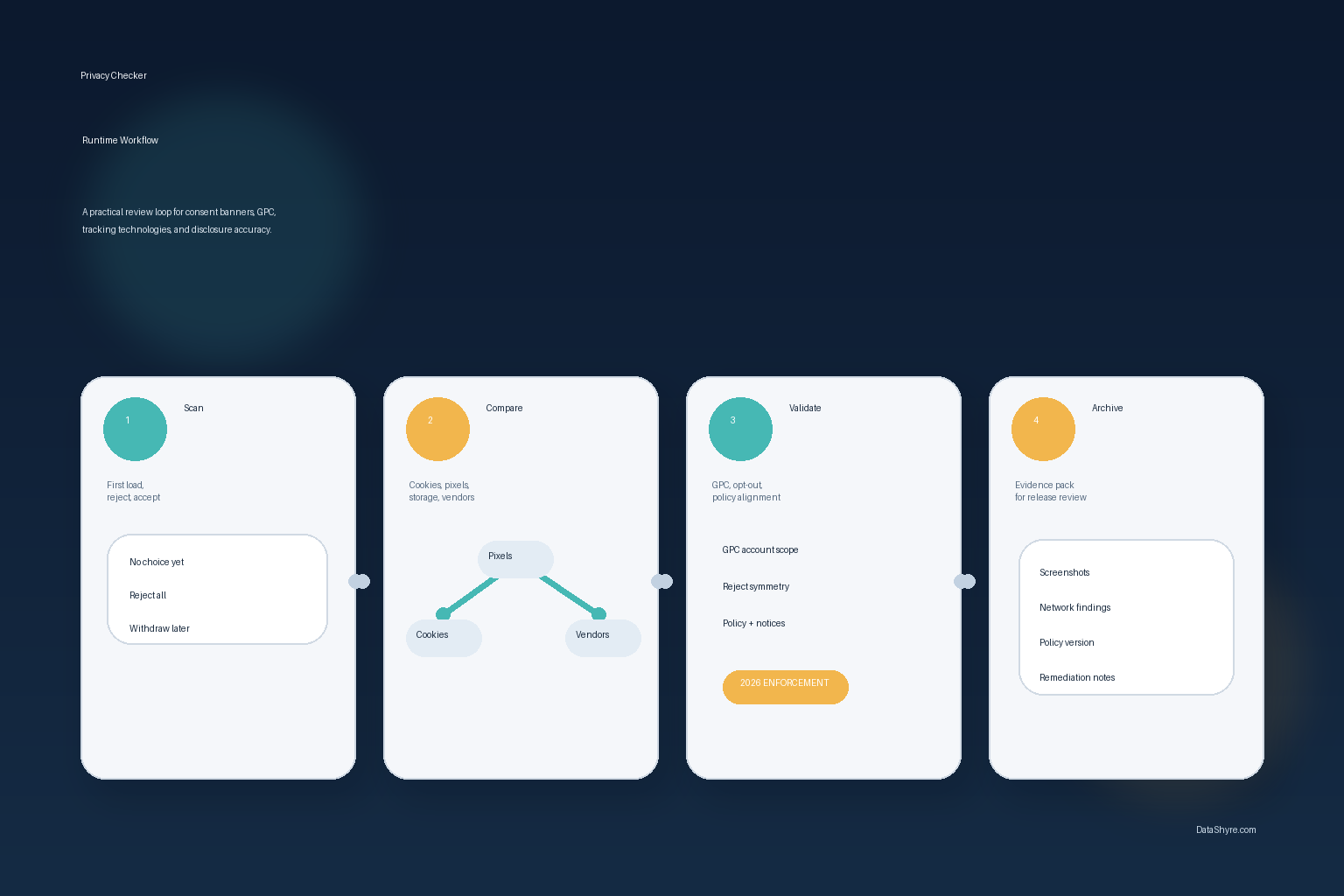
6. Match the scan to the privacy policy and notices
A website privacy checker becomes much more useful when you use it against the disclosure layer.
California’s “How to Read a Privacy Policy” guidance says a business’s privacy policy should be “updated at least once a year.” The same California DOJ material says a privacy policy should explain what information is collected, how it is used, and who receives it.
That gives you a practical workflow:
- run the scan on current production pages;
- list the observed technologies and third parties;
- compare that list to the privacy policy, notice at collection, and banner language; and
- fix whichever side is out of date.
Sometimes the code is wrong. Sometimes the policy is stale. A good website privacy checker helps you spot both.
7. Save evidence that survives the next release
The best privacy review is the one your team can repeat.
The ICO’s current guidance structure now explicitly includes how to keep records of user preferences and what happens after withdrawal. That is a reminder that a checker is not only a discovery tool. It is also part of your evidence trail.
My minimum evidence pack for a website privacy checker review is:
- timestamped scans for first load, reject, accept, and withdrawal;
- screenshots of the banner and settings UI on desktop and mobile;
- notes on GPC and California opt-out behavior;
- the exact privacy-policy version reviewed at the same time; and
- the release, ticket, or remediation note tied to the findings.
Without that record, each scan becomes a one-off observation instead of a compliance control.
Bottom line
The best website privacy checker in 2026 is not the one that generates the prettiest cookie spreadsheet.
It is the one that helps you inspect first-load behavior, compare reject and withdrawal states, see storage-and-access technologies beyond cookies, test whether reject is as easy as accept, verify California opt-out and GPC handling, and match live traffic to live disclosures.
Seen clearly, website privacy checker is less about a pop-up and more about whether the site behaves honestly after the visitor makes a choice.
Sources
- European Commission, “Legal grounds for processing data”: https://commission.europa.eu/law/law-topic/data-protection/information-business-and-organisations/legal-grounds-processing-data_en
- ICO, “Guidance on the use of storage and access technologies”: https://ico.org.uk/for-organisations/direct-marketing-and-privacy-and-electronic-communications/guidance-on-the-use-of-storage-and-access-technologies/
- CNIL, “Dark Patterns in Cookie Banners: CNIL issues formal notice to website publishers”: https://www.cnil.fr/en/dark-patterns-cookie-banners-cnil-issues-formal-notice-website-publishers
- California Department of Justice, “California Consumer Privacy Act (CCPA)”: https://oag.ca.gov/privacy/ccpa
- California Department of Justice, “How to Read a Privacy Policy”: https://oag.ca.gov/node/36676
- California Department of Justice, “California Won’t Let It Go: Attorney General Bonta Announces $2.75 Million Settlement with Disney, Largest CCPA Settlement in California History”: https://oag.ca.gov/news/press-releases/california-wont-let-it-go-attorney-general-bonta-announces-275-million